
Waypoint Navigation AR
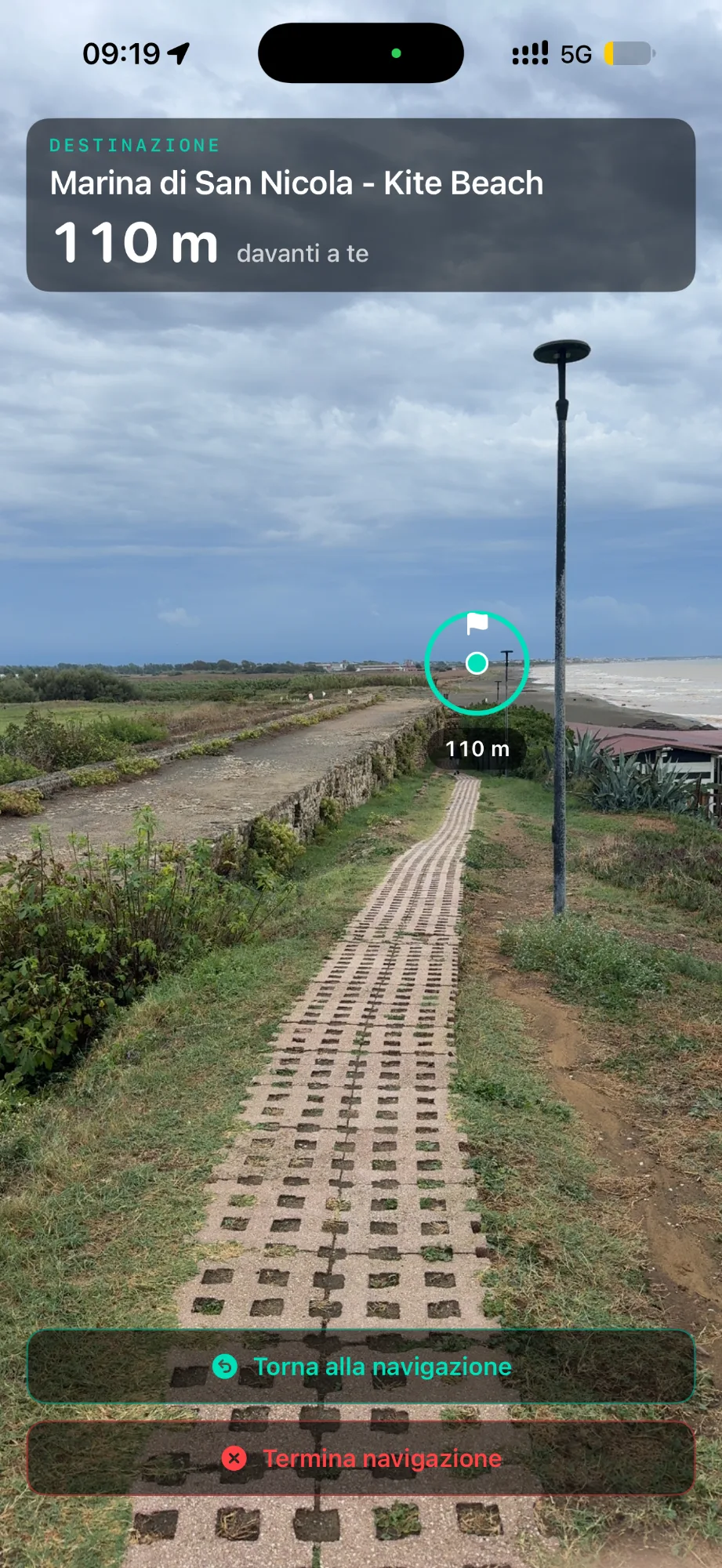
Heading to a waypoint, the destination stays at the top with its name and distance. When it is in view, a marker shows it in the scene; when it is to the side or behind you, GeoFix tells you which way to turn.
GeoFix AR brings waypoints and navigation guidance into the scene in front of you, helping you connect the map with the real terrain around you.
Explore
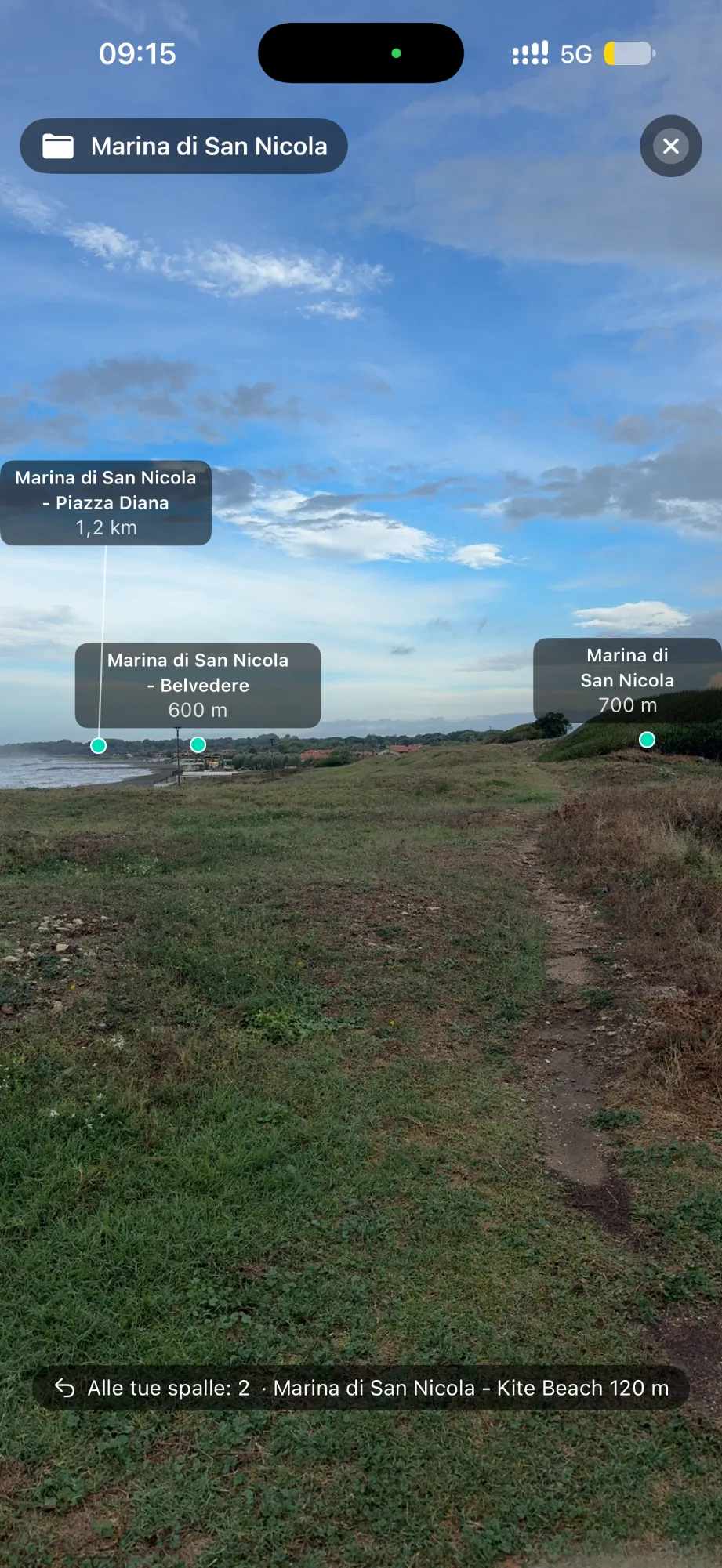
From the map, tap «Explore with the camera» and Explorer AR shows the waypoints of the collection you chose all around you. Point your iPhone at the terrain and find your places where they really are.
Explorer AR is for getting your bearings: waypoints are references to look at. When you want to reach one, start navigating to that waypoint and the AR view goes with you all the way.
Navigate
While you navigate, «See with the camera» brings the navigation you are already following into the AR view: same destination, same route, same distances.
Heading to a waypoint, the destination stays at the top with its name and distance. When it is in view, a marker shows it in the scene; when it is to the side or behind you, GeoFix tells you which way to turn.
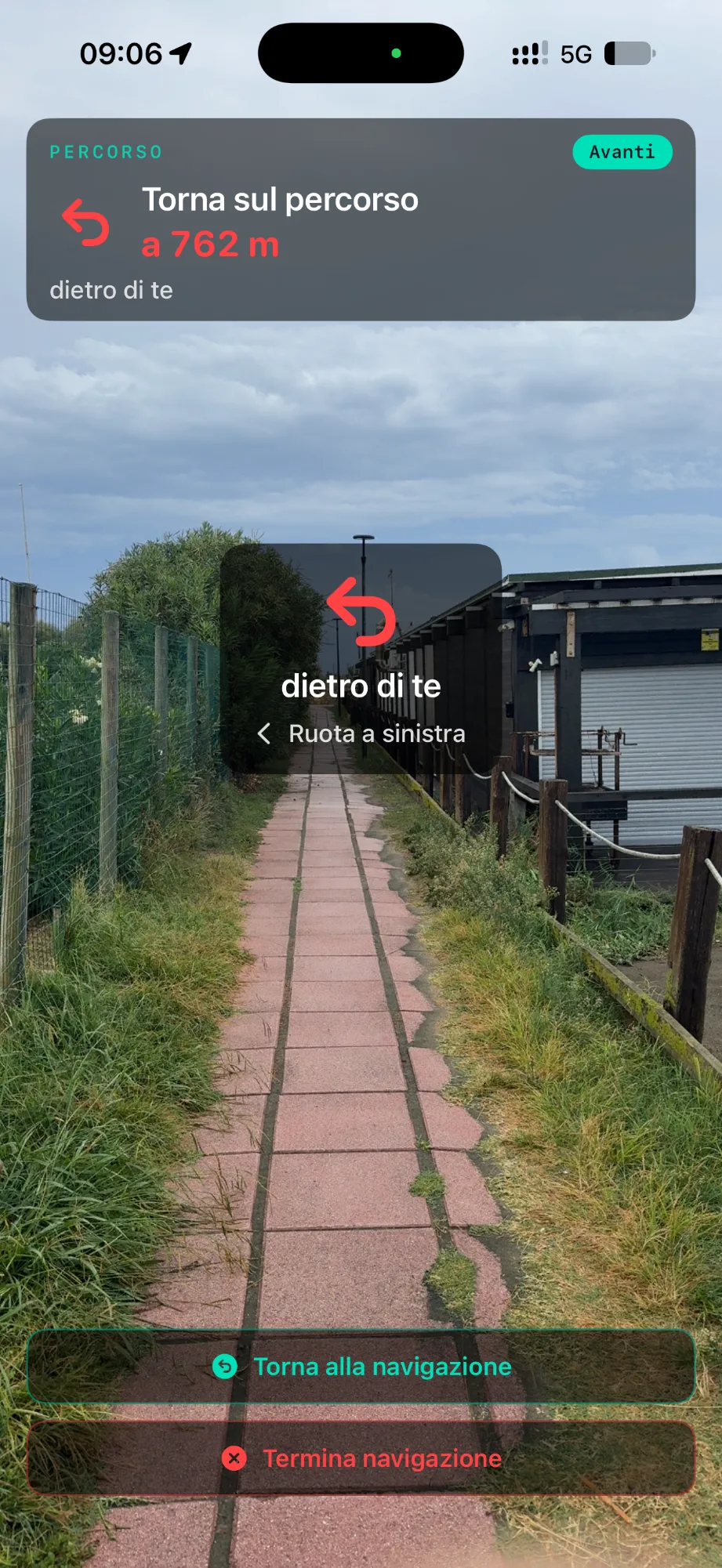
On a track, the AR view shows the next instruction — a turn, the maneuver ahead, the arrival — with the distance along the route. If you leave the track, it shows you where to rejoin it.
«Back to navigation» takes you back to the screen you came from, with the same navigation still running; when you are done, you can also end it from the AR view. On tracks, that is how you move between compass, map and AR view.
Return
With Track Back, GeoFix guides you back along the track. You can open the AR view during Track Back too: the way-back guidance — the next turn, the maneuver ahead, the arrival — appears in the scene in front of you, with the same distances as the navigation.
GeoFix AR uses the camera to show you the scene in front of you in real time. Images are not recorded, saved or transmitted, and the camera is on only while the AR view is open. Location and motion sensors are used to place waypoints and guidance in the scene.
If the camera is unavailable or you have not allowed it, GeoFix AR switches to compass mode: the same guidance on a background with the horizon line, and your navigation carries on. When the compass needs calibrating, GeoFix lets you know.
On GeoFix World you discover and choose routes and experiences. In GeoFix you prepare what you need — waypoints, tracks, maps — and out in the field GeoFix AR helps you explore, navigate and find your way back.
Start wherever you like.
See the waypoints around you, follow your navigation in the real scene and find your way back.
Download GeoFix on the App Store